
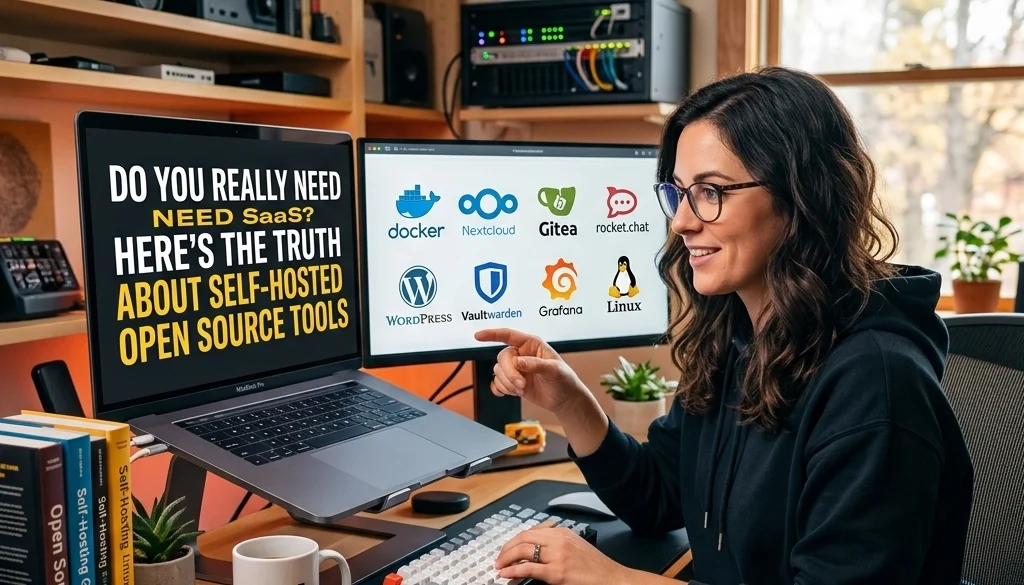
Do You Really Need SaaS? Here’s the Truth About Self-Hosted Open Source Tools
Operational Overview: SaaS vs. Self-Hosted
Software as a Service (SaaS) is a delivery model where applications are hosted by a provider and accessed via the internet. In contrast, self-hosting involves deploying open source software on private infrastructure. The choice between these models dictates the level of control, data privacy, and long-term cost structures.
SaaS Characteristics
- Dependency: Operations rely on third-party uptime and roadmap decisions.
- Cost: Recurring subscription fees scale with user count or usage volume.
- Access: Rapid deployment with zero infrastructure management.
- Data: Information is stored on external servers, subject to the provider's security protocols and terms of service.
Self-Hosted Open Source Characteristics
- Ownership: Complete control over the software instance and underlying data.
- Privacy: Data remains within private networks, facilitating compliance with regional regulations.
- Customization: Source code modifications are possible to meet specific requirements.
- No Vendor Lock-in: Migrations between infrastructure providers are feasible without losing access to the toolset.
Core Benefits of Self-Hosted Open Source Tools
Data Sovereignty and Security
Self-hosting eliminates the need to transmit sensitive information to external entities. For organizations handling financial, legal, or medical data, maintaining a local environment ensures compliance with strict data residency laws. Security patches can be applied according to internal schedules rather than waiting for a provider's rollout.
Elimination of Vendor Lock-in
SaaS providers often use proprietary formats or restrictive APIs that make platform migration difficult. Self-hosted open source tools utilize standard databases and open protocols. This ensures that an organization can move its stack to different servers or providers as needs evolve.
Cost Efficiency at Scale
While SaaS has low entry costs, enterprise-level scaling often results in exponential price increases. Self-hosting requires an initial investment in setup and infrastructure, but the marginal cost of adding users is significantly lower.

Essential Tools for the Self-Hosted Stack
The modern self-hosted ecosystem includes robust alternatives to popular SaaS products. Key tools include Supabase for backend services, n8n for automation, and Ollama for artificial intelligence.
Supabase: The Open Source Firebase Alternative
Supabase provides a suite of tools including a PostgreSQL database, authentication, real-time subscriptions, and storage.
Technical Features:
- PostgreSQL: A relational database with full SQL support.
- Auth: Built-in user management and GoTrue-based authentication.
- Edge Functions: Serverless functions for backend logic.
Deployment Indicators:
Deployment typically occurs via Docker Compose. The self-hosted version includes the Supabase Studio, an interface for database management. Organizations seeking structured data storage without per-user fees benefit from this configuration.
n8n: Workflow Automation
n8n is an extendable workflow automation tool. It serves as a self-hosted alternative to Zapier or Make.
Operational Impact:
- Node-Based UI: Visual representation of automation logic.
- Connectivity: Support for over 400 integrations.
- Data Privacy: Workflows process data on local servers, preventing sensitive information from leaving the network.
For complex enterprise integrations, n8n deployment services ensure that automation pipelines are optimized for high-volume data processing.

Ollama: Local AI Infrastructure
Ollama allows for the execution of large language models (LLMs) like Llama 3, Mistral, and Gemma on private hardware.
Technical Advantages:
- Inference: Local execution removes the need for API calls to providers like OpenAI or Anthropic.
- Cost: Zero per-token costs after hardware procurement.
- Latency: Reduced network latency for applications requiring real-time AI responses.
Detailed strategies for implementing these models are available in the self-hosting LLMs guide.
Technical Implementation: A Tutorial Approach
Deploying n8n via Docker
A standard deployment of n8n requires a Linux-based server with Docker and Docker Compose installed.
- Environment Configuration: Define variables for persistence and security.
- Compose File Setup: Create a
docker-compose.ymldefining the n8n image and volume mappings. - Execution: Run
docker-compose up -dto initialize the service. - Reverse Proxy: Configure Nginx or Traefik to handle SSL termination and domain routing.
Implementing Supabase Locally
Self-hosting Supabase involves orchestrating multiple containers, including GoTrue, PostgREST, and Realtime.
- Storage Requirements: Allocate sufficient disk space for PostgreSQL WAL logs and object storage.
- Network Isolation: Ensure database ports are not exposed to the public internet.
- Backup Procedures: Implement automated snapshots of the PostgreSQL volume to prevent data loss.

Strategic Considerations and Challenges
Infrastructure Maintenance
Self-hosting necessitates active management. This includes:
- Updates: Monitoring for security vulnerabilities and software updates.
- Scaling: Manually adjusting CPU and RAM allocations based on load.
- Uptime: Configuring high availability (HA) clusters to prevent service interruptions.
Technical Expertise
The deployment and maintenance of self-hosted open source tools require proficiency in DevOps, Linux administration, and network security. Organizations lacking internal expertise may utilize custom software solutions to bridge the gap.
The Security Argument
While self-hosting offers control, it also shifts the responsibility for security to the organization. A misconfigured firewall or an unpatched server is a vulnerability. Professional open source deployment services mitigate these risks by implementing industry-standard hardening techniques.
Comparative Analysis: Total Cost of Ownership (TCO)
A five-year TCO analysis typically shows a crossover point where self-hosting becomes more economical than SaaS.
| Factor | SaaS (5 Years) | Self-Hosted (5 Years) |
|---|---|---|
| Licensing/Subscription | $50,000 – $200,000+ | $0 (Open Source) |
| Infrastructure | Included | $10,000 – $30,000 |
| Maintenance Personnel | Minimal | $20,000 – $60,000 |
| Integration/Setup | Moderate | High Initial |
| Total | Variable (High) | Fixed (Predictable) |
For organizations with high user counts, the subscription savings outweigh the maintenance costs of private infrastructure.

Decision Framework: When to Self-Host
The decision to migrate from SaaS to self-hosted open source tools should be based on the following criteria:
- Data Sensitivity: Does the data involve PII (Personally Identifiable Information) or trade secrets?
- Customization Requirements: Does the SaaS provider lack essential features or API endpoints?
- Budget Structure: Is there a preference for CapEx (Capital Expenditure) over OpEx (Operating Expenditure)?
- Internal Capability: Is there a team capable of managing Docker, networking, and backups?
If the answer to these questions is affirmative, transitioning to a self-hosted stack is the logical progression. Information on the ROI of such transitions is detailed in the AI automation ROI calculator.
System Integration with Marketrun
Marketrun facilitates the transition from restrictive SaaS environments to scalable open source ecosystems. Services include:
- Deployment: Initial setup and hardening of tools like n8n and Supabase.
- Custom Development: Tailoring open source software to specific business logic.
- AI Integration: Deploying local LLMs through Ollama to enhance internal workflows without data leakage.
For detailed inquiries regarding AI development and custom infrastructure, refer to the solutions page.
Summary of Truth
SaaS offers immediate utility but exacts a long-term cost in terms of financial output and data control. Self-hosted open source tools provide a path to technical independence. By leveraging modern containerization and professional deployment services, organizations can achieve a level of operational efficiency and security that is unavailable in shared cloud environments.
The transition to self-hosting is a strategic move toward software ownership. It ensures that the tools driving business value remain under the organization’s direct control.


